In the tutorial, we will teach you how to setup retargeting in your JVZoo account.
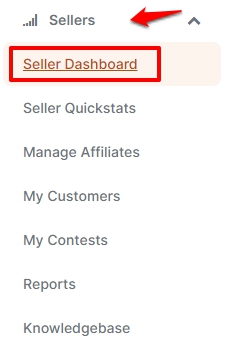
- On the main dashboard, click Sellers drop-down menu and select Seller Dashboard.
- If you'd like to setup Re-targeting pixels on an existing product, scroll down the Seller dashboard and look for the product then click Edit. For new products, click Add product on the upper right-side of the page.
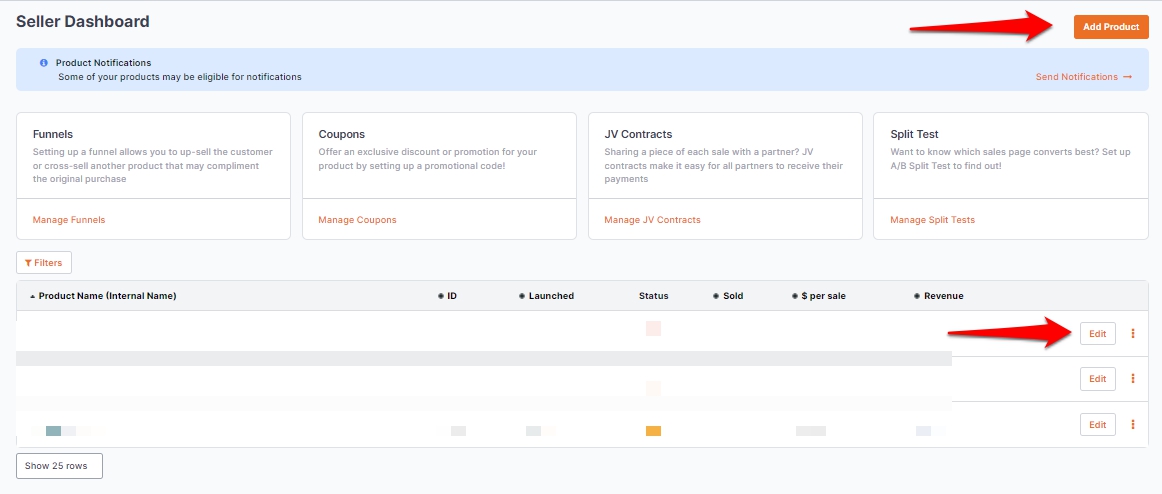
- In this guide, we'll show you how to setup this feature on an existing product so we'll proceed with Edit.
- On the product editor, go to the Advanced tab and put a check mark on Add Retargeting/Tracking Pixels.
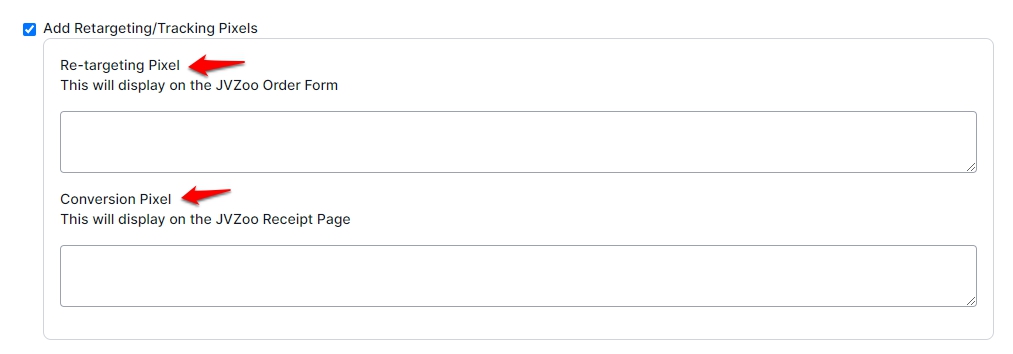
- Enter the Re-targeting Pixel and Conversion Pixel. Take note which pixel displays on the order form and the receipt page.
- Once done, scroll down and click Save Product.