This guide walks you through integrating your MarketHero account with JVZoo.
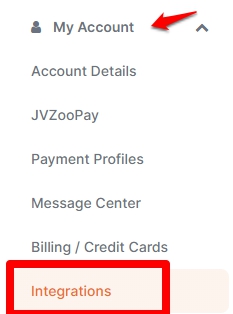
- On the main dashboard, click the My Accounts drop-down menu and select Integrations.
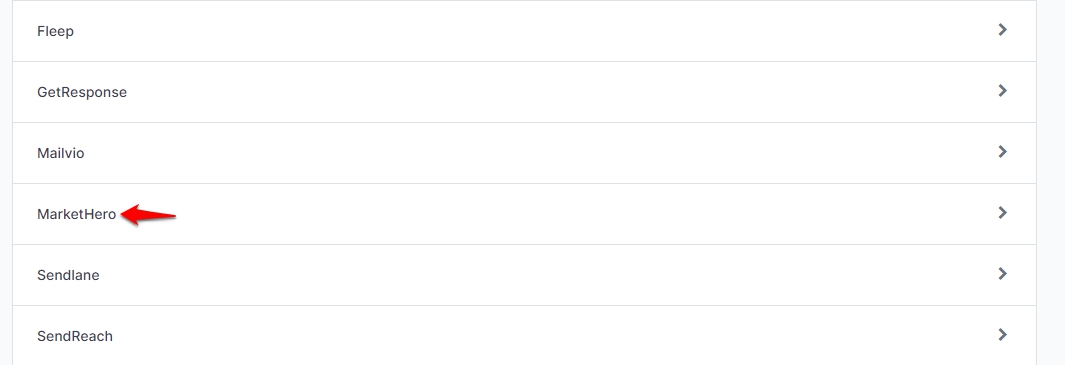
- Look for MarketHero on the list and click it.
- On the MarketHero setup page, enter your API key. Once done, click Save MarketHero Account.
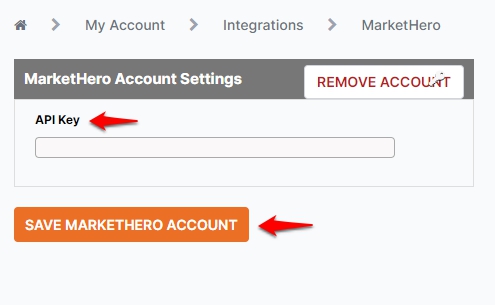
- Should you want to remove the account or replace with another one, click Remove account on the upper right side.
- If you don't have a MarketHero account yet and would want to create one, click here.