This guide walks you through integrating your Sendlane account with JVZoo.
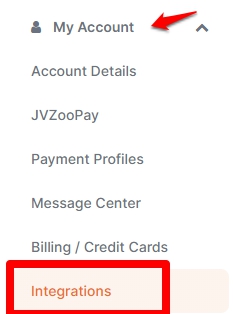
- On the main dashboard, click My Account and select Integrations.
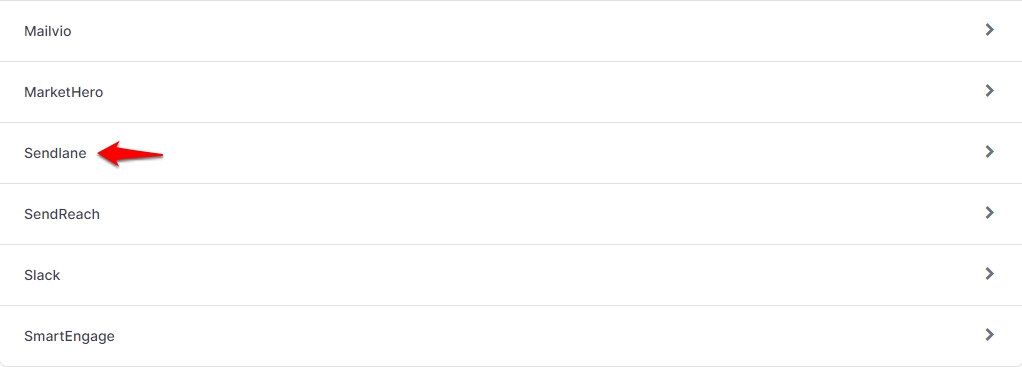
- On the next page, scroll down the options and select Sendlane.
- To set up your account, enter your API, Hash and Sub Domain.
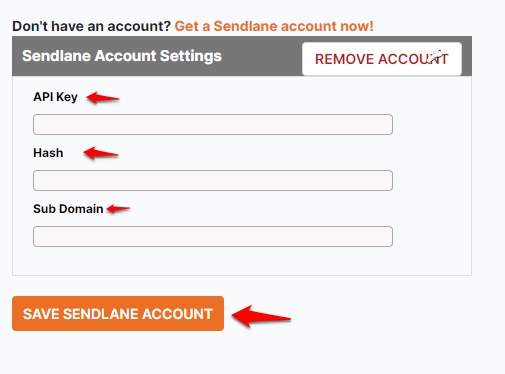
- If you want to replace your Sendlane account with another account, click Remove Account and enter the new details.
- If you don't have an account yet, click Get Sendlane account now!